Run a learning loop
Turn on learning for a bundle in the console, add tasks, start the loop and handle rounds that wait, fail or need rolling back.
Set up the learning loop for a released bundle in the console. Each round can release a new version to the channel with no approval step. See Learning loop for the terms and What a round does for the steps. To run the loop from a script, see Ticket triage.
Before you start
- The operator has set the optimizer and started an executor. See Enable learning, or Run your first learning round on the local stack.
- The bundle has a release on the channel you want to improve.
- You have an OpenAI-compatible model provider with at least two models, one for the task model and one for the judge model.
- You have examples of the agent's work to import as tasks.
Connect a model provider
- In the sidebar, under Settings, open Model provider.
- Enter the provider's base URL, an API key and the allowed model IDs, then choose Save provider.
- Wait while the executor verifies each model. A model passes when it answers a chat request and reports token usage.
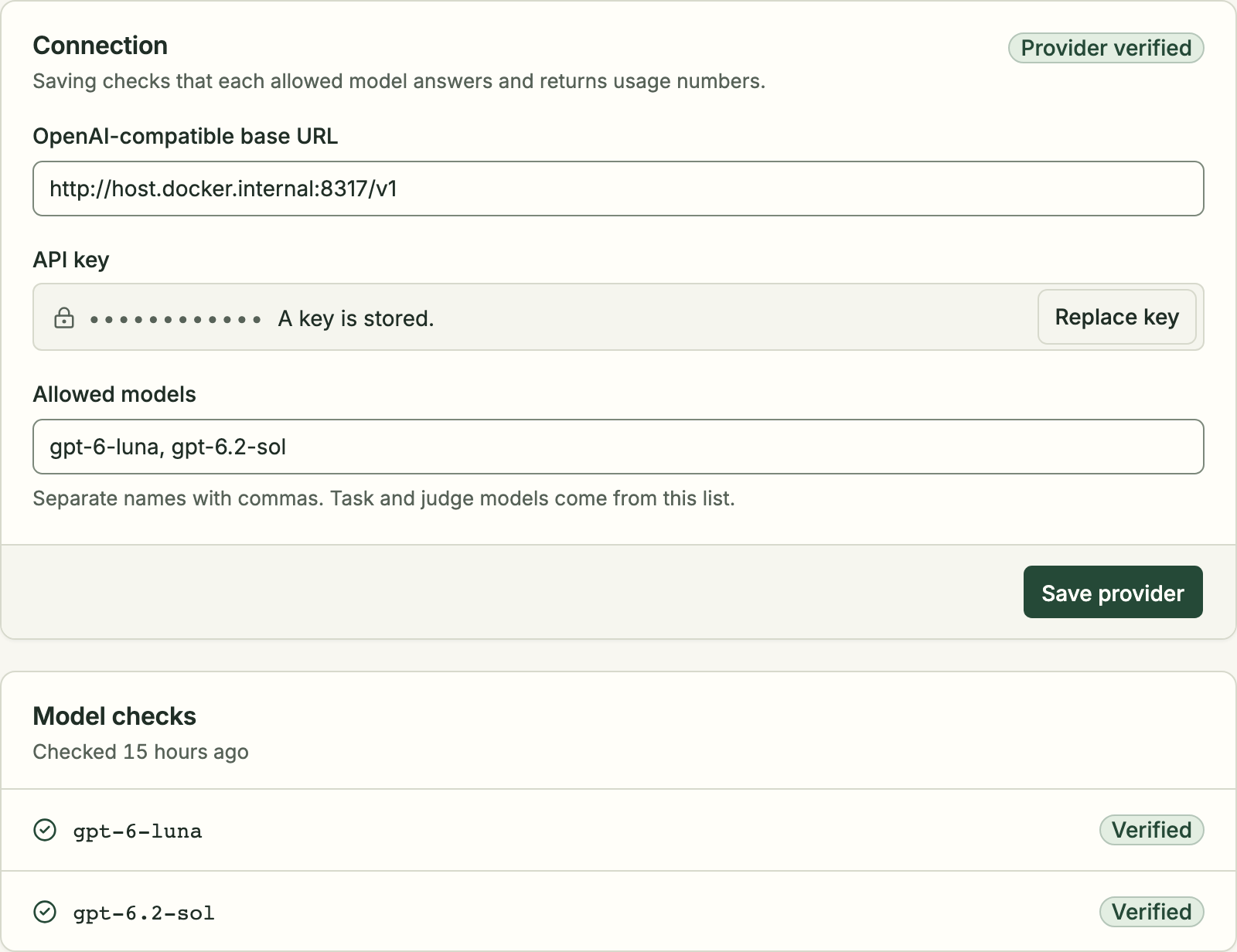
Any OpenAI-compatible endpoint works, such as https://api.openai.com/v1 with a provider API key. On the local stack, npm run local:up can save the provider for you (Connect a model provider).
Turn on learning
- Open the bundle's Learning tab, then Settings.
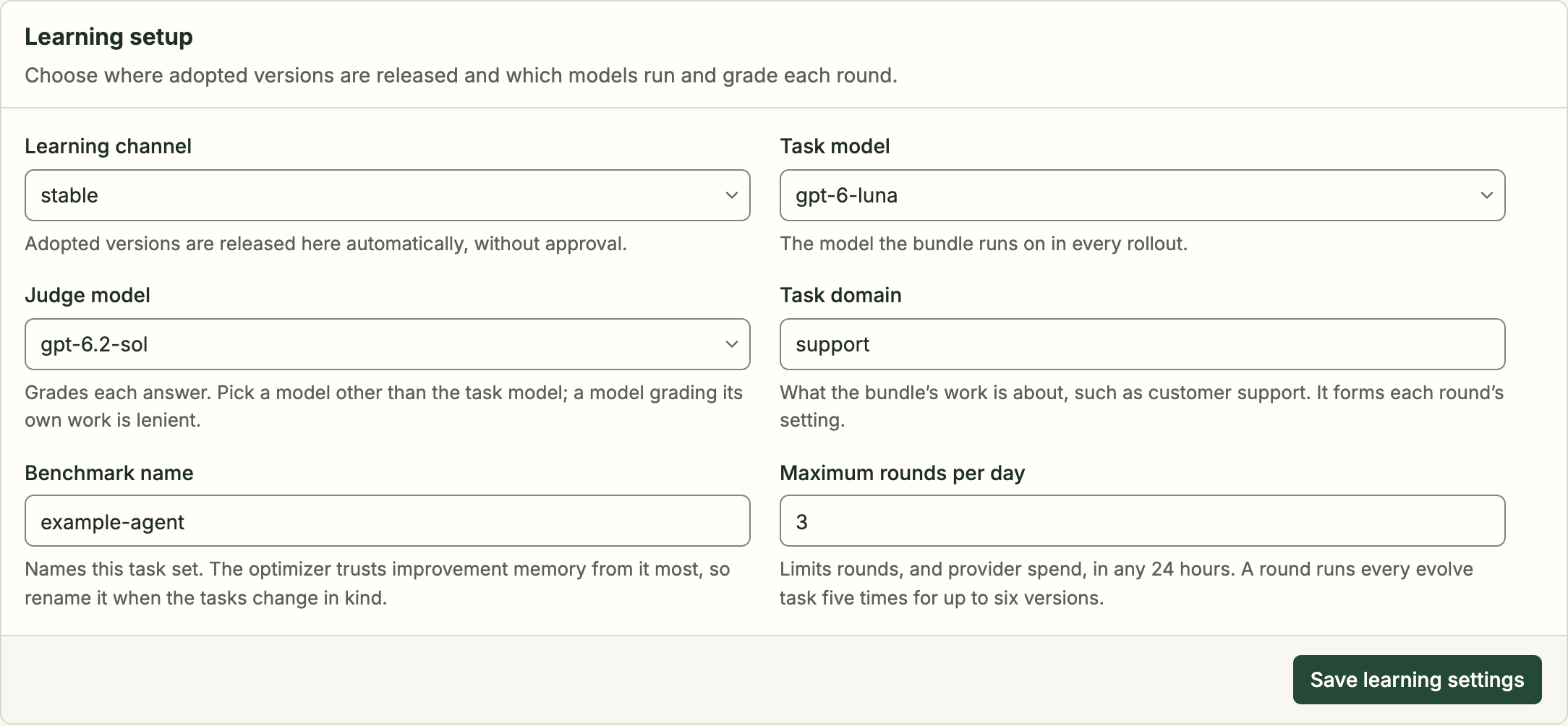
- Choose the Learning channel, a Task model and a different Judge model. Use your application's model as the task model, so the loop measures the agent you run. See How a rollout runs your bundle.
- Set Maximum rounds per day, the daily round limit over a rolling 24 hours. It defaults to 4.
- Choose Save learning settings.
Add tasks
On the Learning tab's Tasks page:
- Under Import material, choose a spreadsheet, CSV, JSONL or text file, then choose Import tasks.
- Paste text under Paste conversations.
- Choose Write a task. Give an exact answer for a value that must match. For free text, write one criterion per line and optionally a reference answer.
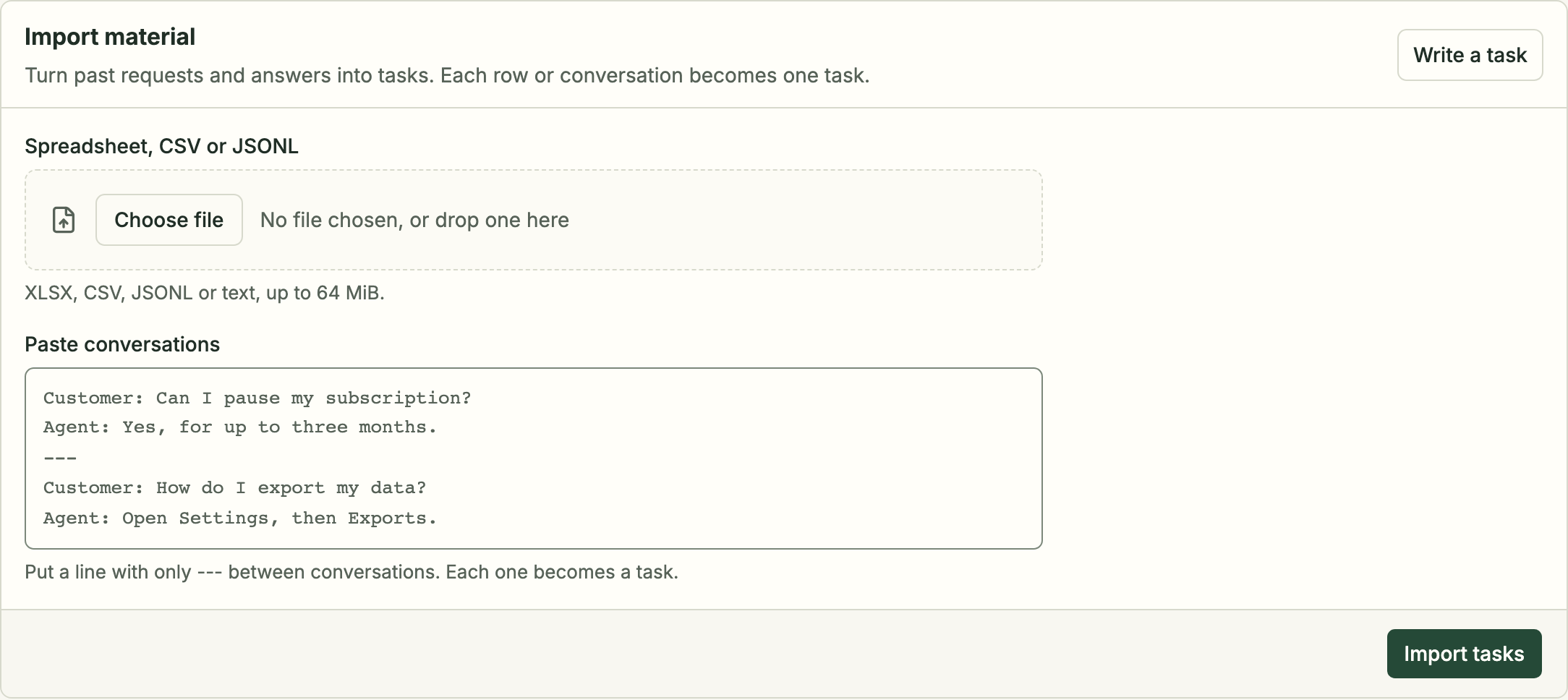
Import about 50 rows for a first round, because Start needs 20 admitted tasks in each split and some rows are usually set aside. Improve the bundle with the sample tasks has a ready file of 60 rows.
The service assigns each source group to the evolve or held-out split by its hash, so about half the rows land in each. A source group is the tasks from one source row, such as one conversation, plus any tasks with the same input, even across imports. A production outcome is its own group. Pasted text and .txt files are split into rows on lines that hold only three or more dashes (---).
The Imports section lists past imports, newest first, with their counts and set-aside rows.
How a row is graded
| The row has | Graded by | Model call |
|---|---|---|
input and expected, where the answer is not a string, or is one line of at most 80 characters | Exact match | None |
input and expected, where the answer is longer or has a line break | Criteria the judge model drafts, with the answer kept as the reference | Judge model |
input, expected and grading set to exact or criteria | Your choice. Any other value rejects the import. | Judge model for criteria |
| Other fields, such as a request, a reply and a rubric | The judge model converts the row, keeping its criteria or drafting them from its answer | Judge model |
A held-out task with drafted criteria waits for a person to confirm it.
Review and confirm tasks
Each task appears as a card with its source row and a short task ID you can copy. Before a task counts, the executor checks that its reference answer passes, an empty answer fails and the judge model grades it consistently.
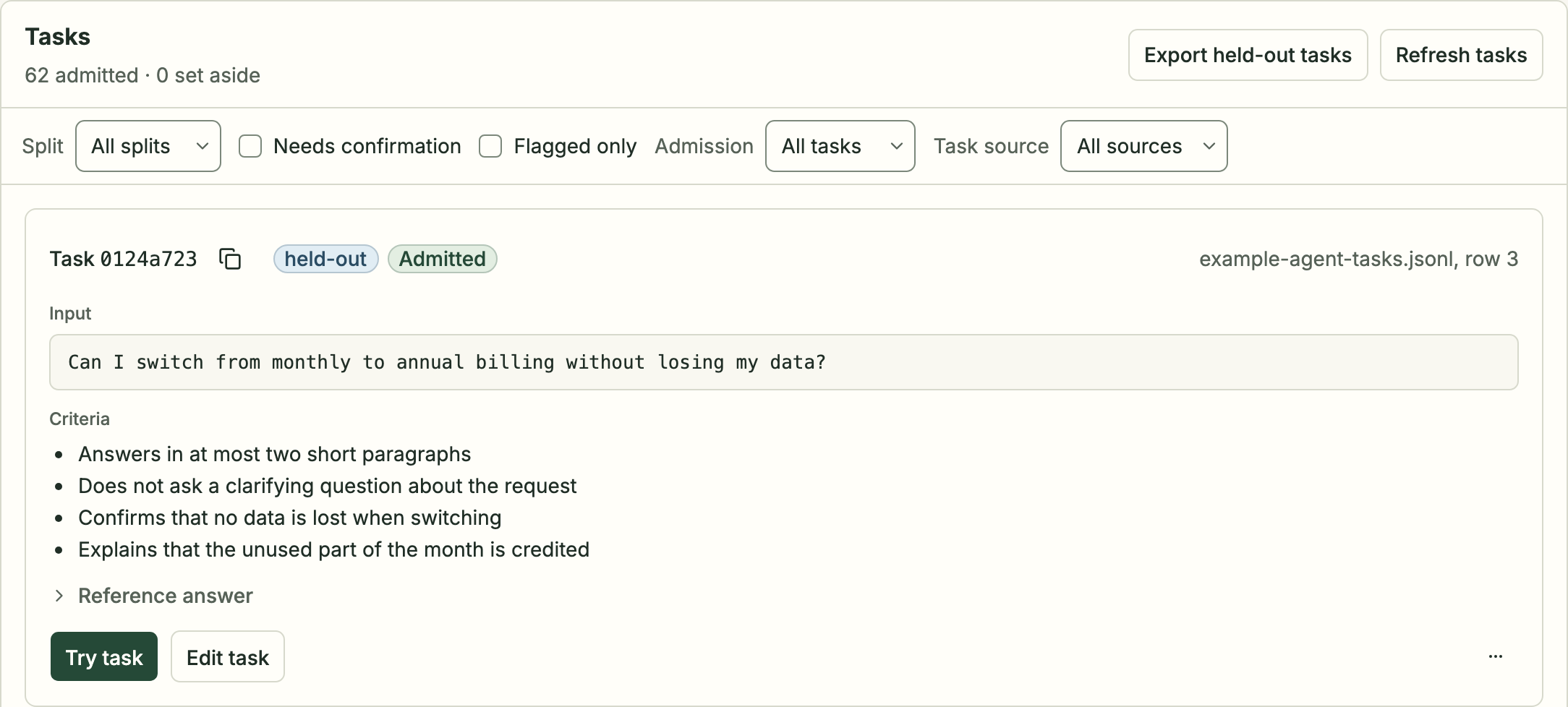
- Read the cards and their source rows. Edit any card that is wrong.
- Check Needs confirmation to list the held-out tasks that wait for you, and read their criteria. Choose Confirm all shown to confirm every unconfirmed held-out card in the list.
- Choose Try task on a card to run the current version on that task. The card shows the output, the verdict, the reasoning and the gateway log of requests sent to the model provider, or why the trial failed. Trials do not count toward round scores.
A card is pending until it is confirmed and checked, then admitted or set aside. A row can also be set aside at import.
| Reason | Set aside at | What to do |
|---|---|---|
| No usable reference | Import | Add an example answer or criteria to the row and import it again. |
| Not converted | Import | The judge model could not map the row to a task. Edit it and import it again. |
| Row too large | Import | Shorten the row and import it again. |
| Duplicate | Import | The input matches a live task or an earlier row. Nothing, unless you meant a different task. |
| Reference failed | Check | Make the reference answer meet every criterion. |
| Empty answer passed | Check | Tighten the expected answer or criteria so an empty answer fails. |
| Judge unstable | Check | Replace ambiguous criteria with requirements the judge can observe. |
| Check failed | Check | Check that the executor and model provider are up, then choose Run check again. |
Editing a set-aside card runs its check again. Run check again reruns it without changing the task, and Run all failed checks again does so for every card whose check failed.
Start the loop
On the Overview, choose Start. It needs a verified model provider, 20 admitted tasks in each split and an optimizer on the service. Without an optimizer, Start is disabled and the API answers 409 optimizer-required. Ask the operator to set the optimizer model.
Follow the rounds
A first round often keeps the current version. After an adoption the loop runs another round. After two rounds in a row that adopt nothing, it waits for new evidence.
On the Learning tab's Overview:
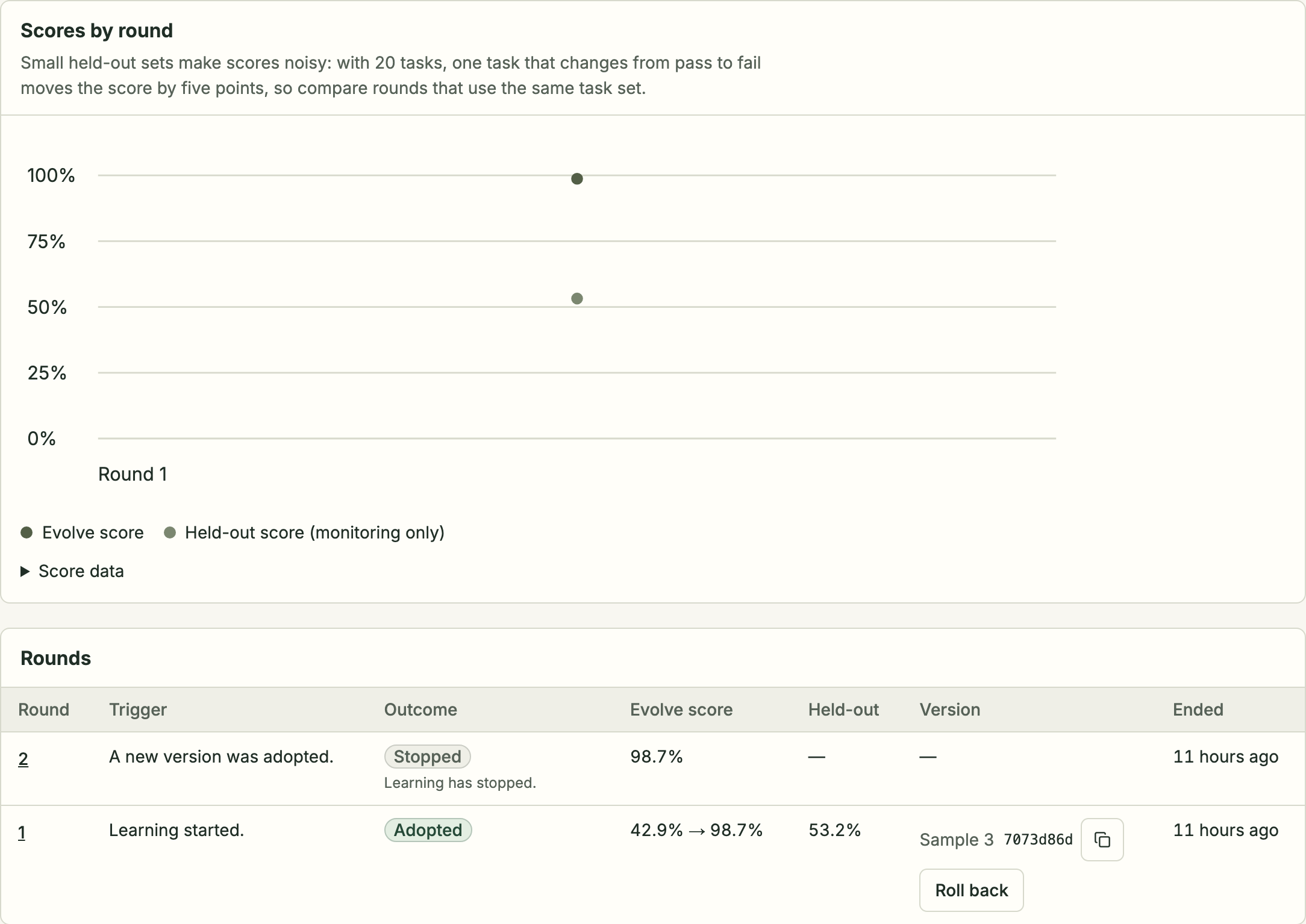
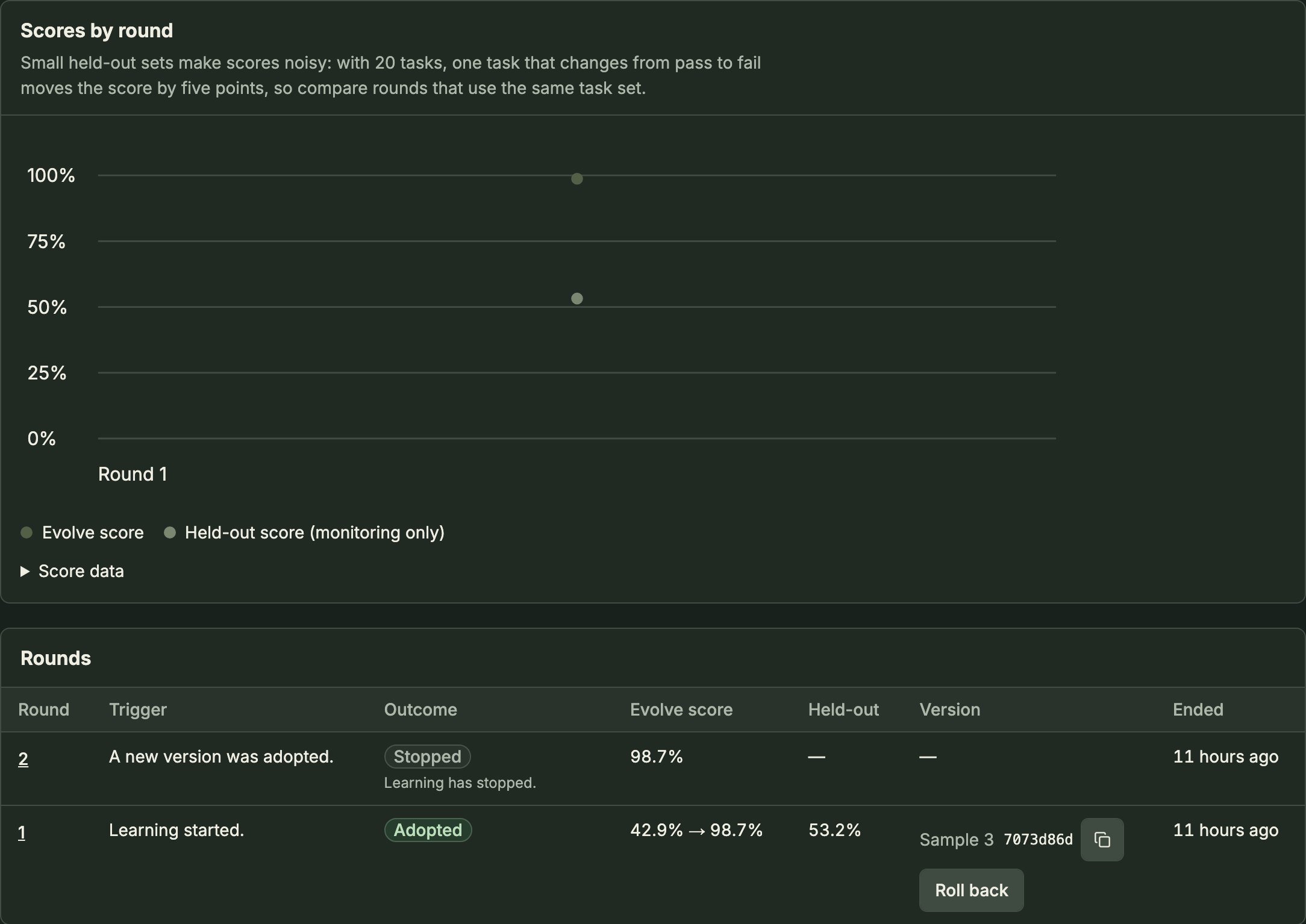
- The score chart adds a point for each round. Evolve scores explain which candidate was chosen. Held-out scores show regressions.
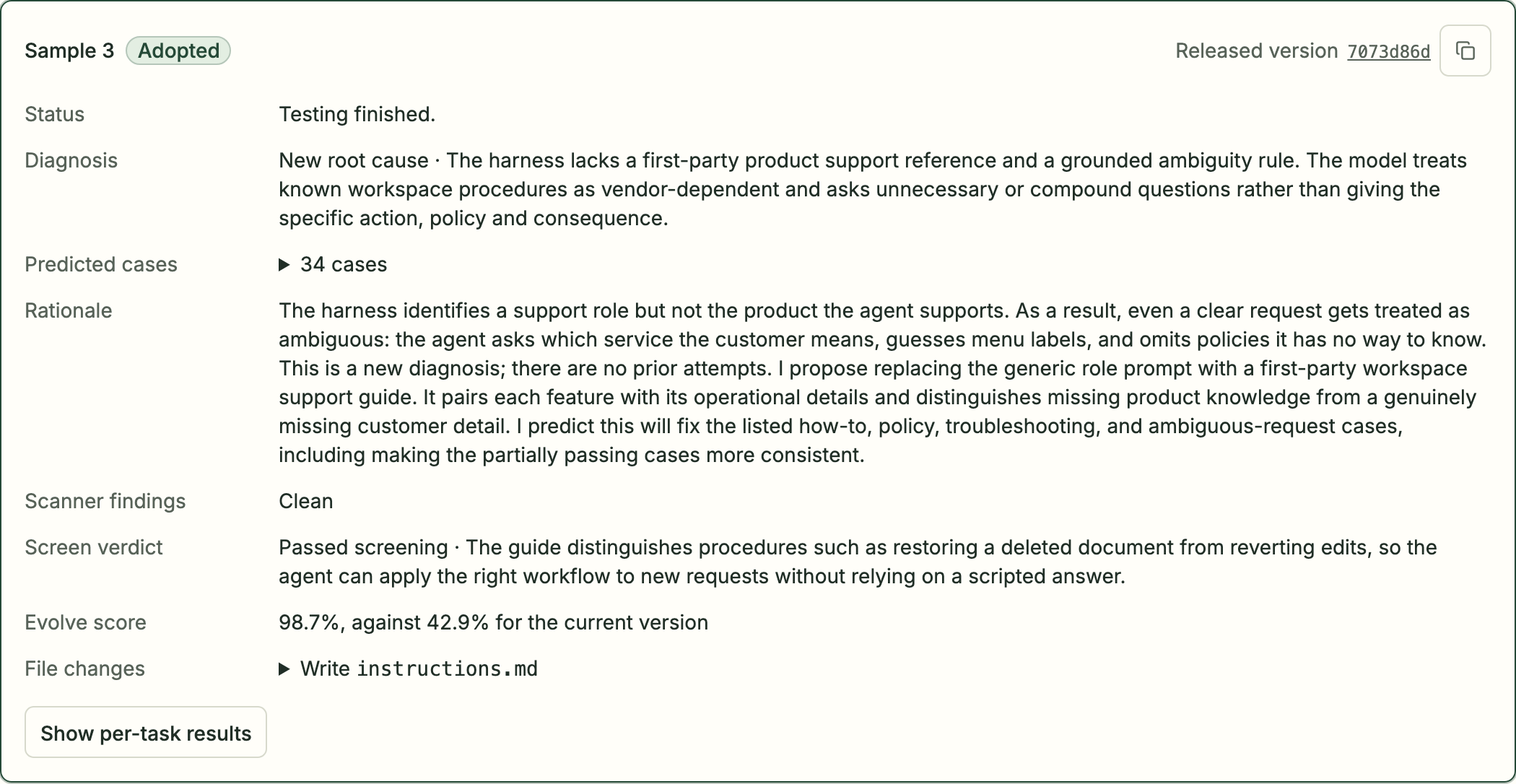
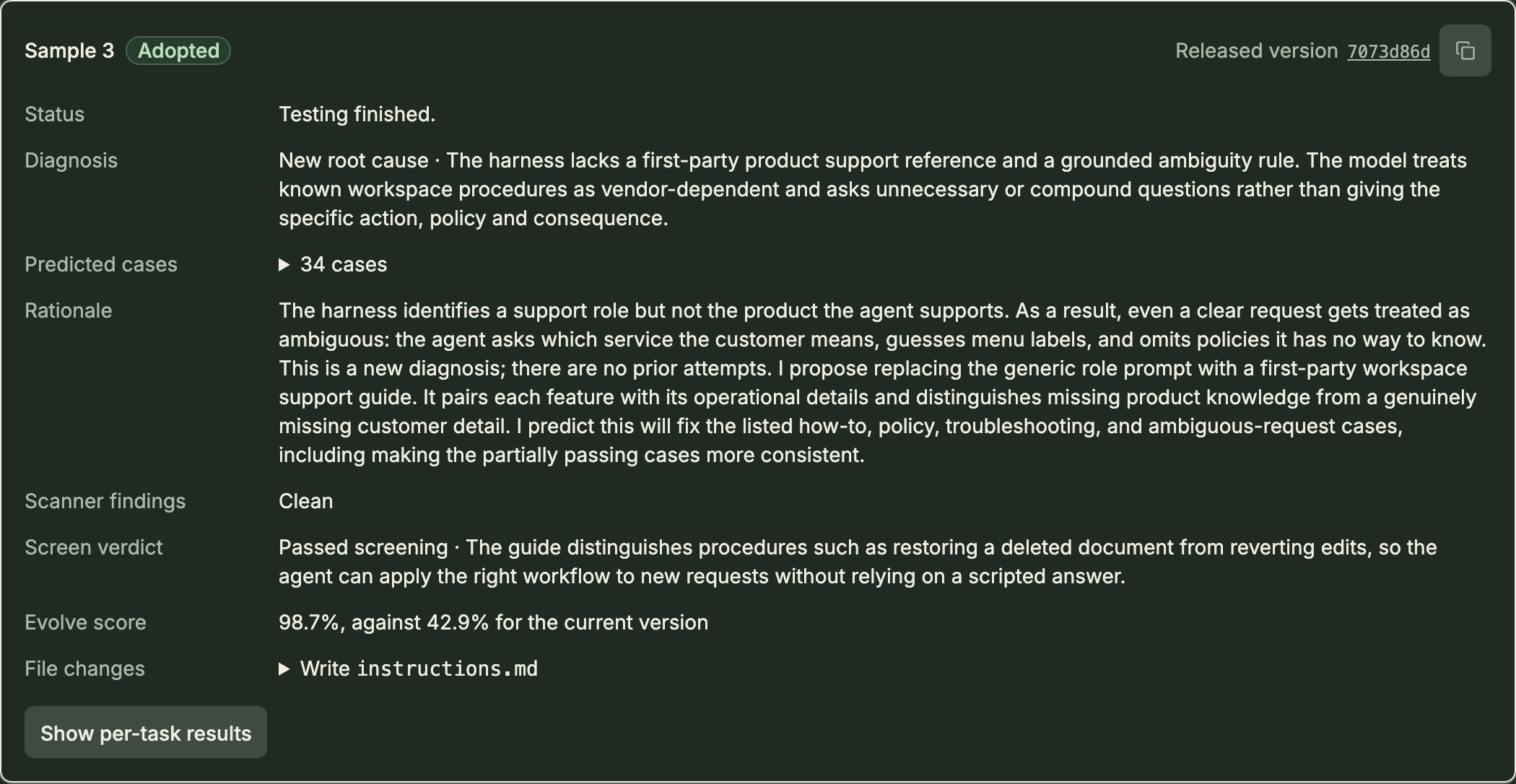
- Open a round to see its candidates, their bundle changes and the evolve rollouts behind its score, with links to the task cards it mentions.
- Check Flagged only to list tasks with repeated failures, executor errors or inconsistent verdicts. Edit a card and try it again.
People signed in to the console can read, try and edit held-out cards. Edit one only when the task itself is wrong. Rewriting held-out tasks after reading the agent's failures fits them to the bundle, so the held-out score stops measuring unseen work. Add a new evolve task instead.
When the loop waits
A running loop with no round to run shows why it waits.
| Waiting reason | Code | What happens next |
|---|---|---|
| No new evidence | no-new-evidence | Add, edit or retire evolve tasks. The loop wakes once at least 5, and at least 10 percent of admitted evolve tasks, have changed since the last round. The console shows how many more it needs. |
| Daily round limit reached | daily-cap | The next round starts when the rolling 24-hour window has room. The console shows when. |
| Model provider unavailable | provider-unavailable | The loop tries again after ten minutes, longer after each further outage. The console shows when. POST /start or POST /resume runs a round at once. |
| No executor | no-executor | Ask the operator to start a connected executor. |
| Models no longer allowed | models-not-allowed | Choose two currently allowed models in the learning settings. |
When a round fails
A failed round shows the error of the first rollout that failed. After three failed rounds in a row, by default, the loop pauses and the banner shows the cause. Inspect the recent rounds before you start again.
| Cause | What the loop does | What to do |
|---|---|---|
| The model provider was unavailable for every failed rollout of the current version's evaluation | Waits and tries again, without counting the round toward the pause or the daily round limit | Nothing |
| The model provider refused the request, for example for a revoked API key | Counts the round toward the pause | Check the Model provider page |
| A sandbox could not start | Counts the round toward the pause | Ask the operator to check the executor |
| No executor matches the round's models and runtime | Fails the round without counting it toward the pause | Check the executor connection and model provider settings |
| The optimizer ran out of context | Pauses | Ask the operator to check the optimizer's context limit |
| A split fell below 20 admitted tasks | Pauses | Bring both splits back to 20, then choose Start |
Pause, stop and roll back
Pause lets the active round finish. Stop learning cancels the work in progress.
Automatic revert. After each adoption, any drop in held-out results raises an alert linked to the round, with a Roll back this release button. The revert compares the held-out pass rate, the share of rollouts that pass, with that of the version it replaced and nothing earlier, so a series of smaller drops never trips it. If the pass rate falls by at least 10 percentage points, or by half the previous pass rate when that is smaller, and at least two tasks go from passing to failing, the service measures both versions again. A version passing 8% of rollouts reverts at 4% or lower. If the drop holds and the channel still points at the adopted version, the service restores the previous version and blocks the adopted one. The alert says whether it reverted, and the round shows the confirmed scores. Workspace administrators with a verified email address get an email.
Manual rollback. While the adopted version is still current, choose Roll back on its round and confirm. The channel moves back to the version that round replaced, and the removed version is blocked from future adoption. To allow it again, review its digest and removal note, then choose Unblock version.
A rollback does not pause the loop, so the next round can start at once from the restored version. If a person should look first, choose Pause, then roll back. The block matches the removed version's exact bytes, so a candidate that differs by one character can be adopted. The optimizer's history does not mark the rollback, and improvement memory keeps the attempt.
Restore on the Releases tab also moves a channel back, but does not block the version it replaces. See Roll back.
Report production outcomes
When a person corrects an answer in production, report it with job.expect() and the request becomes a task. The application needs a machine token with write.
- The SDK sends the input, the expected answer, the version and digest the job ran with and, if you pass it, the agent's output.
- The service assigns the outcome to a split and checks it like an imported row, with
gradingas in How a row is graded. - An outcome graded by criteria becomes a task once the judge model drafts them. A held-out one then waits for you to confirm it.
- If drafting fails, the outcome becomes a set-aside exact-match task that you can edit to add criteria.
One outcome does not wake a waiting loop. See When the loop waits.
See Report a correction for a worked example, and Jobs in the TypeScript SDK and Python SDK references for the signatures.
Next steps
- Follow a complete run in Support agent.
- Read How answers are scored and What a round costs.